
Are your most talented employees spending hours every week copying data from emails into spreadsheets, or manually generating generic invoices?
If so, your business is leaking productivity. These repetitive, manual tasks are not just boring for your staff; they are expensive for your company. They waste valuable time and are prone to human error.
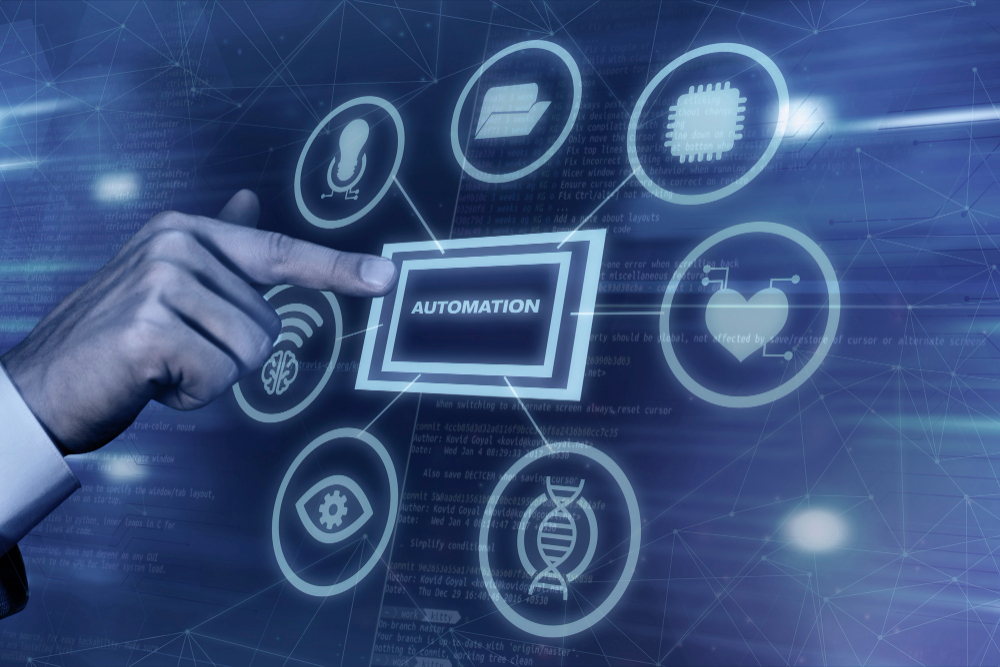
The solution is smart automation. Automation is simply using technology to perform repetitive tasks without human intervention. It is not about replacing your workforce; it is about freeing them from low-value work so they can focus on strategic, high-impact activities that grow your business.
Here is how to start improving efficiency through automation.
1. Identify the Right Candidates for Automation
You should not try to automate everything. Some tasks require human judgment, creativity, or emotional intelligence.
To find the best candidates for automation, look for tasks that are:
- Repetitive: Done the same way, many times a week.
- Rule-Based: Follow a clear “if this, then that” logic (e.g., “If an invoice is approved, send it to QuickBooks”).
- Prone to Error: Tasks where tired employees often make typos, like manual data entry.
Common starting points include expense reporting, employee onboarding checklists, and standard customer email responses.
2. Start Small to Win Big
A common mistake businesses make is trying to automate their entire operation overnight. This is overwhelming and often leads to failure.
Start with a single, painful bottleneck. For example, perhaps your sales team spends too much time manually entering new leads from your website into your CRM. Focus solely on automating that one process first.
When you successfully automate one process, and your team feels the immediate relief of saved time, they will become champions for further automation.
3. Connect Your Systems
The biggest efficiency gains come when your different software tools can “talk” to each other.
If your email, CRM, and accounting software exist in separate silos, a human has to act as the bridge between them. Modern automation tools (like Microsoft Power Automate) act as that bridge.
Imagine this workflow: A client signs a digital contract. Automatically, the system notifies the project manager, creates a new client folder in the cloud, and generates the first invoice in your accounting software, all without anyone clicking a button. That is the power of connected systems.
Key Takeaways
- Empower Your Staff: Automation is meant to remove drudgery from your employees’ day, allowing them to do the high-value work you hired them for.
- Focus on Rules: If a task requires a simple set of rules to complete, a computer should be doing it, not a person.
- Integrate Everything: The most efficient businesses are ones where data flows automatically between different software platforms.